Canova Studio
Create jewellery visuals in under 5 minutes
Start from product photos, sketches, or CAD and turn them into clean packshots, styled campaign scenes, and on-model imagery without rebuilding the product for every channel.
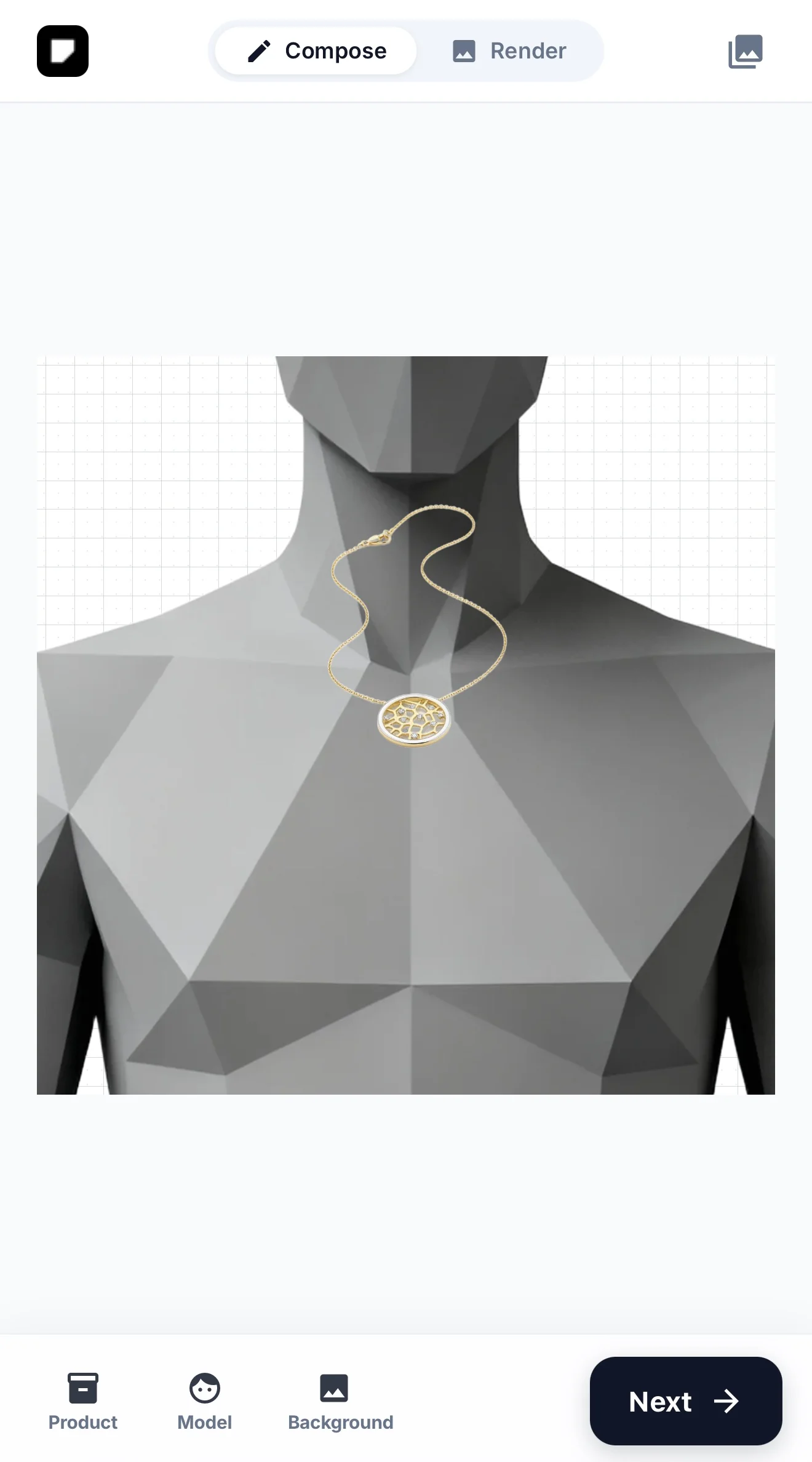
Transform real product sources into images your team can actually use
Canova is built for premium categories where light, material credibility, and product accuracy matter. The workflow is structured around real inputs, controlled output types, and exports for ecommerce, launches, and review.

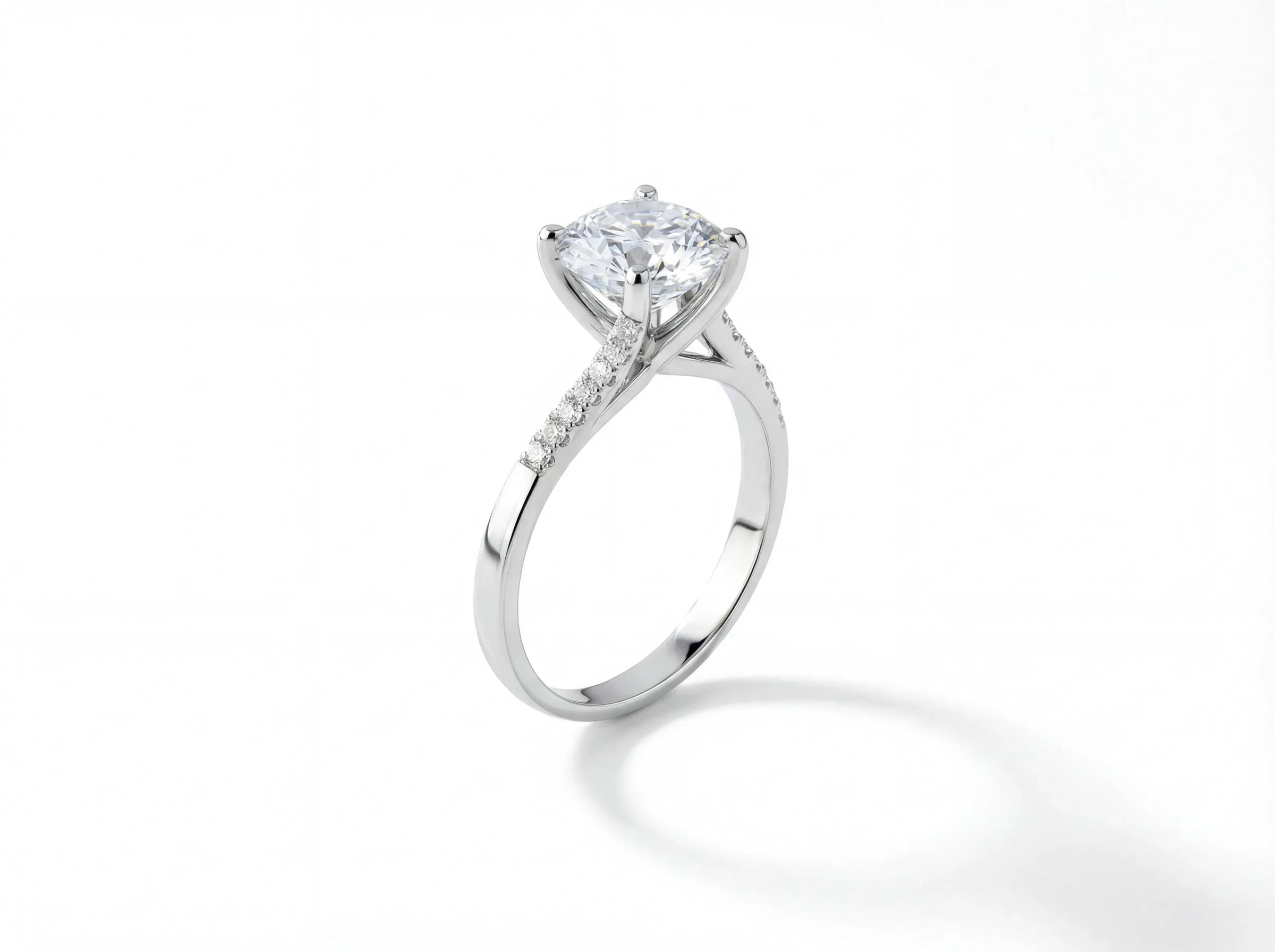
Highlight metal, stones, and finish with controlled light
Use source imagery that keeps the product anchored, then generate outputs where reflections, gemstone detail, and material contrast stay readable instead of turning into generic AI gloss.
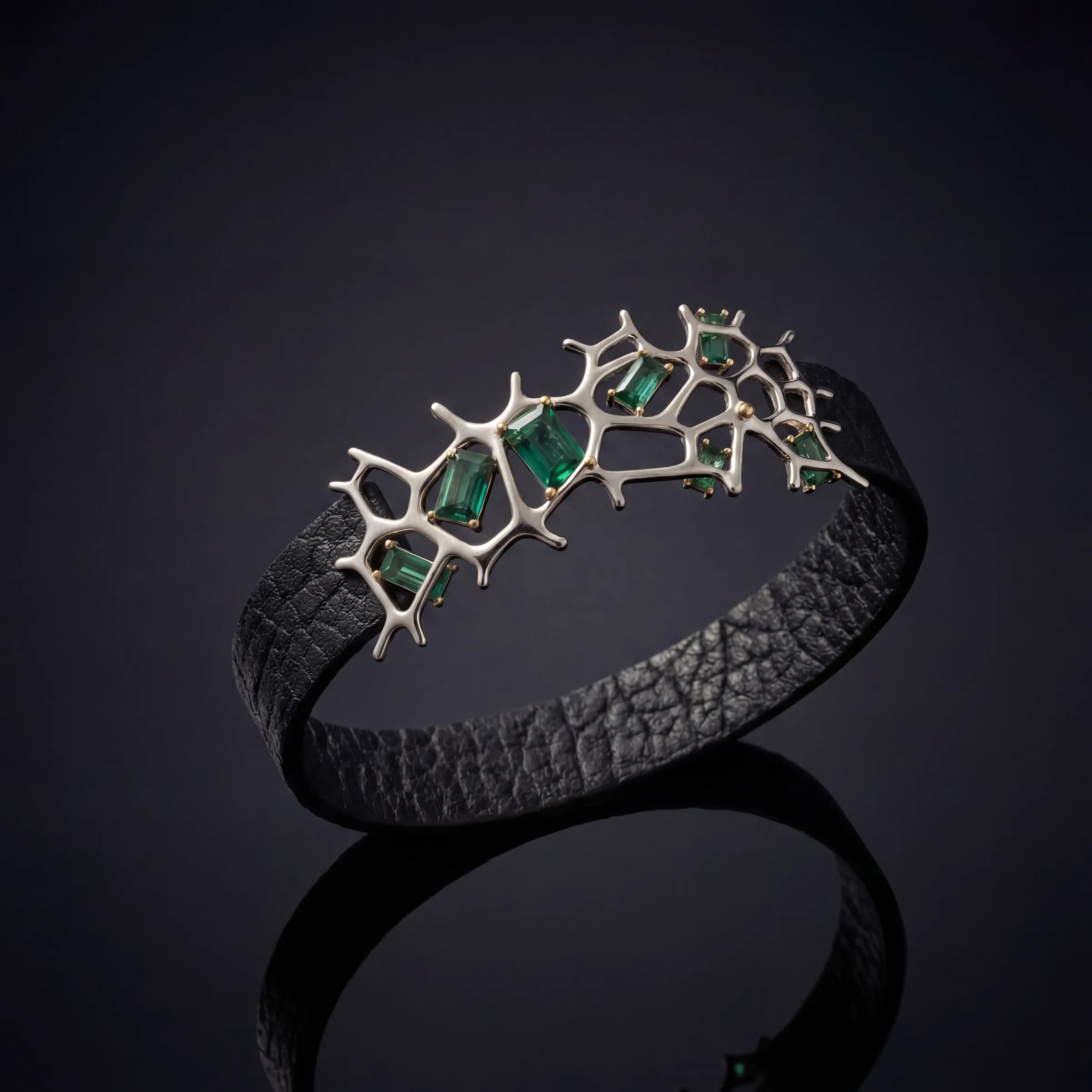
Keep every packshot clean, aligned, and ready for PDPs
Build consistent product-page imagery with controlled backgrounds, stable framing, and a repeatable visual system across single pieces, collections, and catalog updates.

Build lifestyle scenes without rebuilding the product
Move from isolated commerce shots into richer campaign imagery using the same source product, so the environment changes without losing product truth.
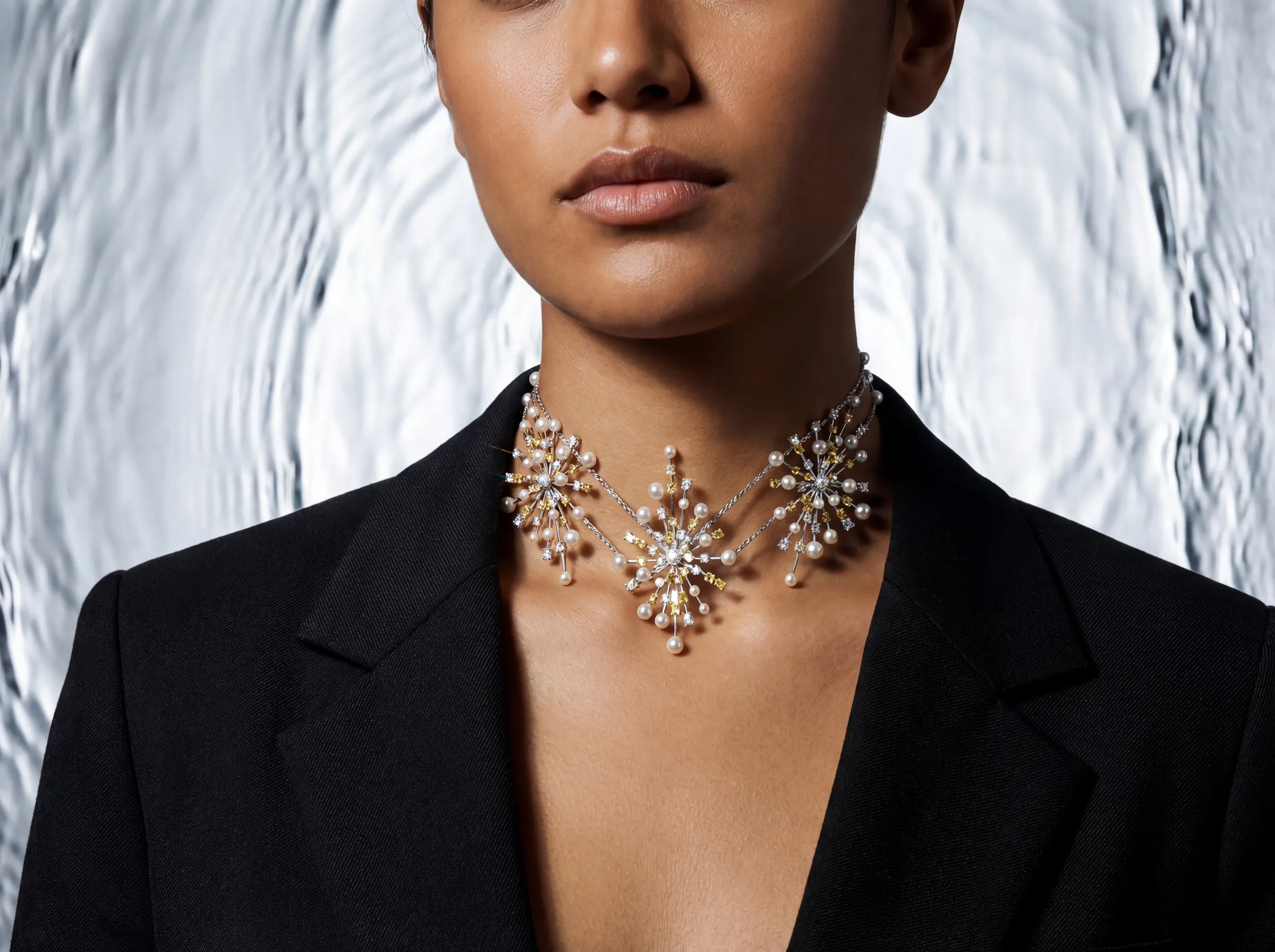
Show scale and styling with on-model output
Generate on-model visuals to communicate fit, scale, and styling context when a product page or launch brief needs more than a standalone packshot.
Production-ready workflows
Concrete capabilities
This page is not describing a vague AI studio. These are the production jobs teams actually use Canova for.
One anchored source
Start from a product photo, sketch, or CAD file and keep the same product logic across every direction.
Packshot, lifestyle, and on-model
Generate the main output types most premium product teams need without switching workflows.
Useful before samples arrive
Use sketches and CAD for concept review, campaign planning, and stakeholder approval before physical inventory exists.
Exports by channel
Prepare imagery for PDPs, launch decks, paid social, and internal review from the same approved direction.
How the workflow runs
The process stays simple: upload the source, direct the output, then export the formats the team needs.
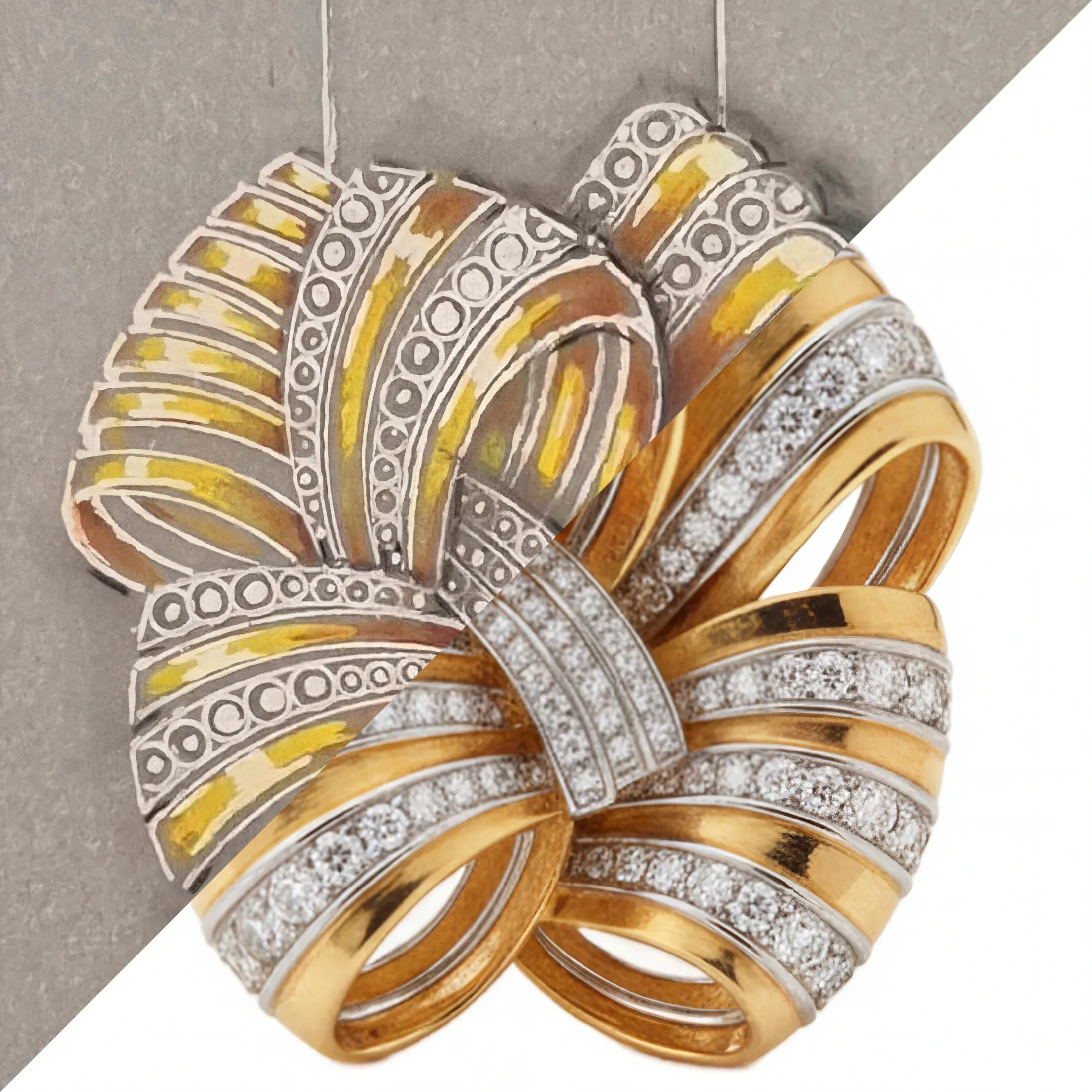
Step 1
Upload your source material
Bring in product photos, supplier imagery, sketches, or CAD so the workflow starts from something specific and reviewable.
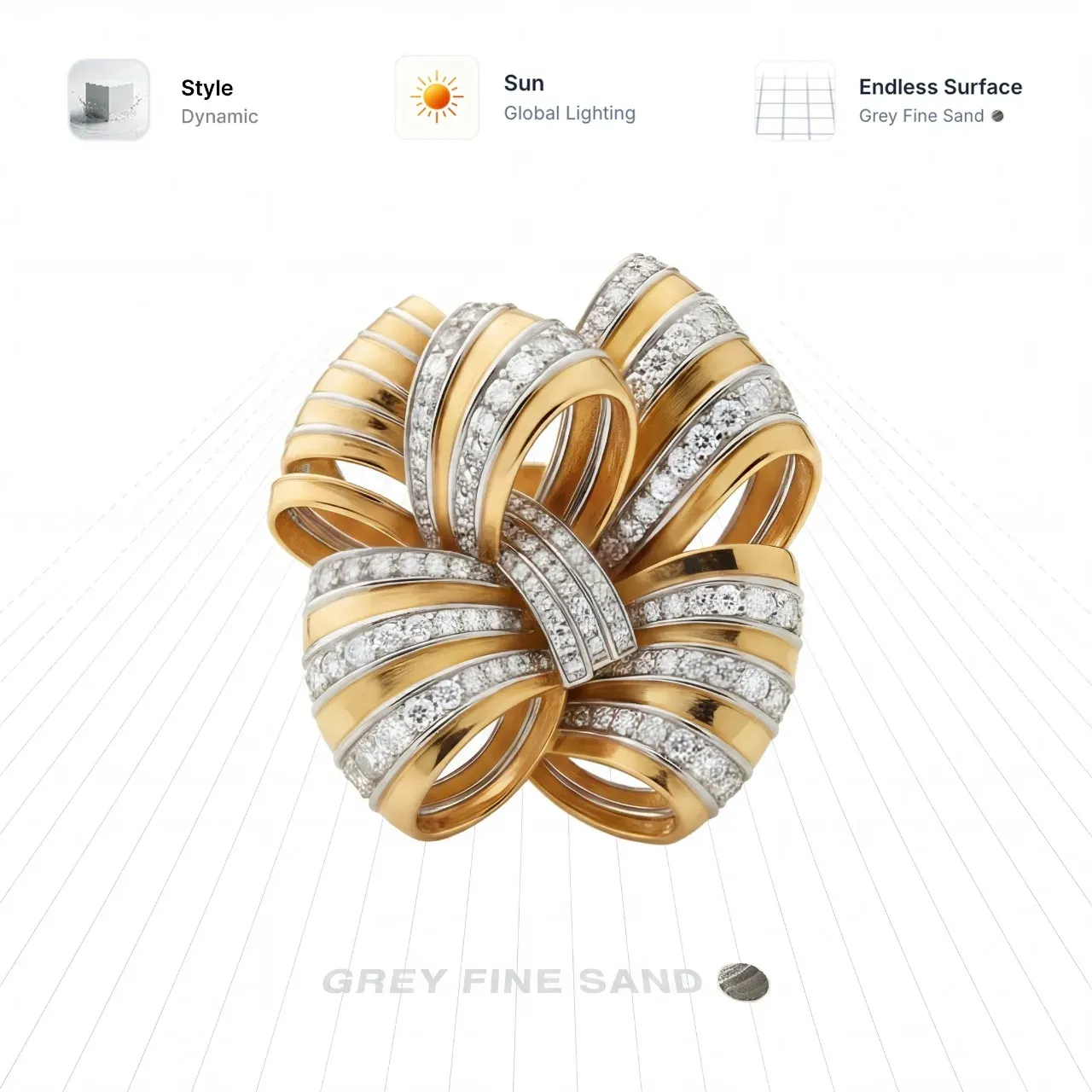
Step 2
Generate the direction you need
Choose the output type, control the composition, and build the packshot, scene, or on-model image around the real product source.

Step 3
Export approved formats
Once the direction is right, use the same source set for ecommerce, campaign, and stakeholder-facing crops instead of starting over.
Explore the workflows behind the page
Each Canova workflow goes deeper into one production job, from clean commerce imagery to campaign context and early-stage concept work.
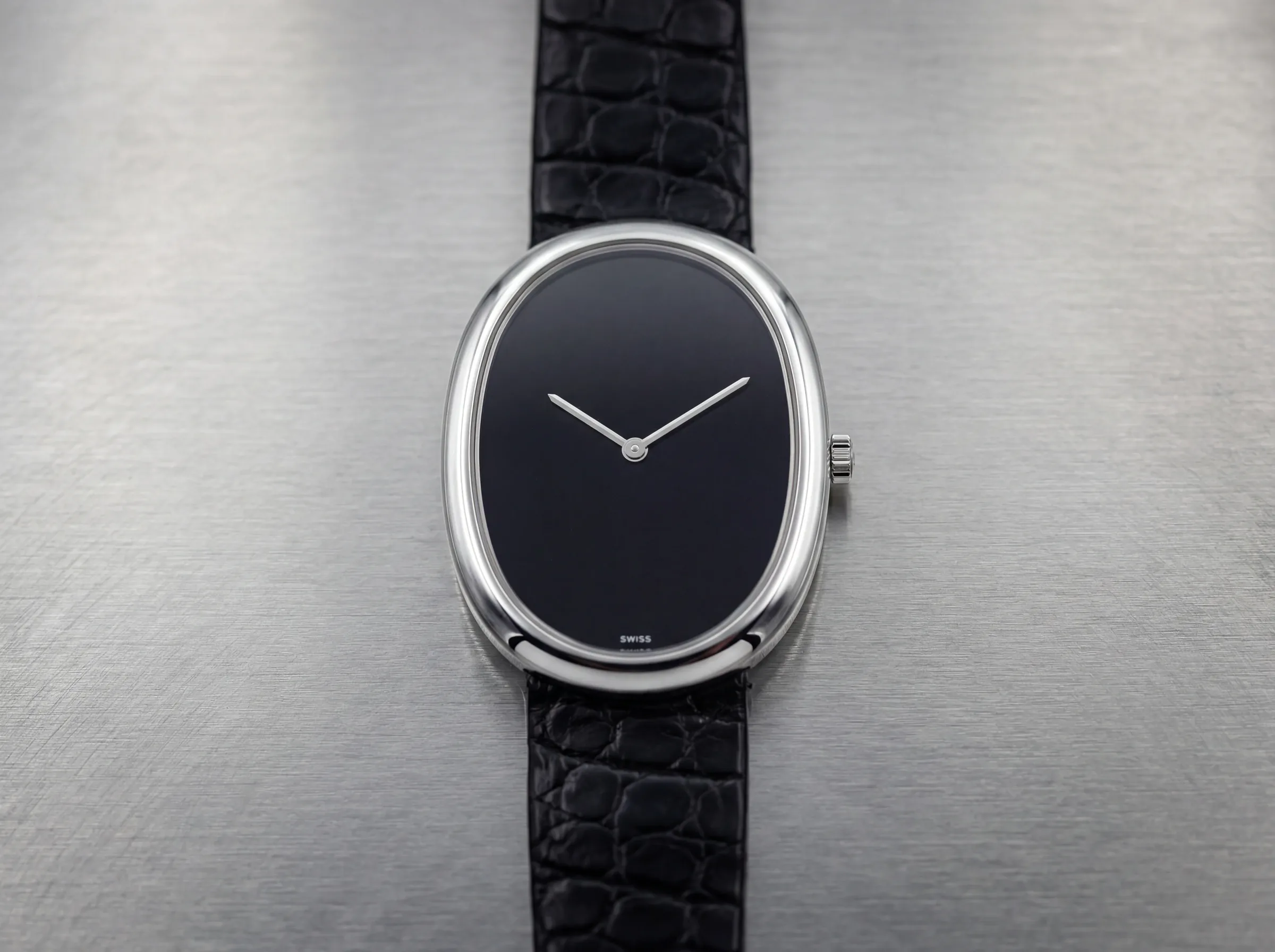
Packshots
Controlled-background product imagery for ecommerce, marketplaces, and wholesale catalogs.

Lifestyle visuals
Context-rich imagery for launches, campaign drops, social, and editorial surfaces.
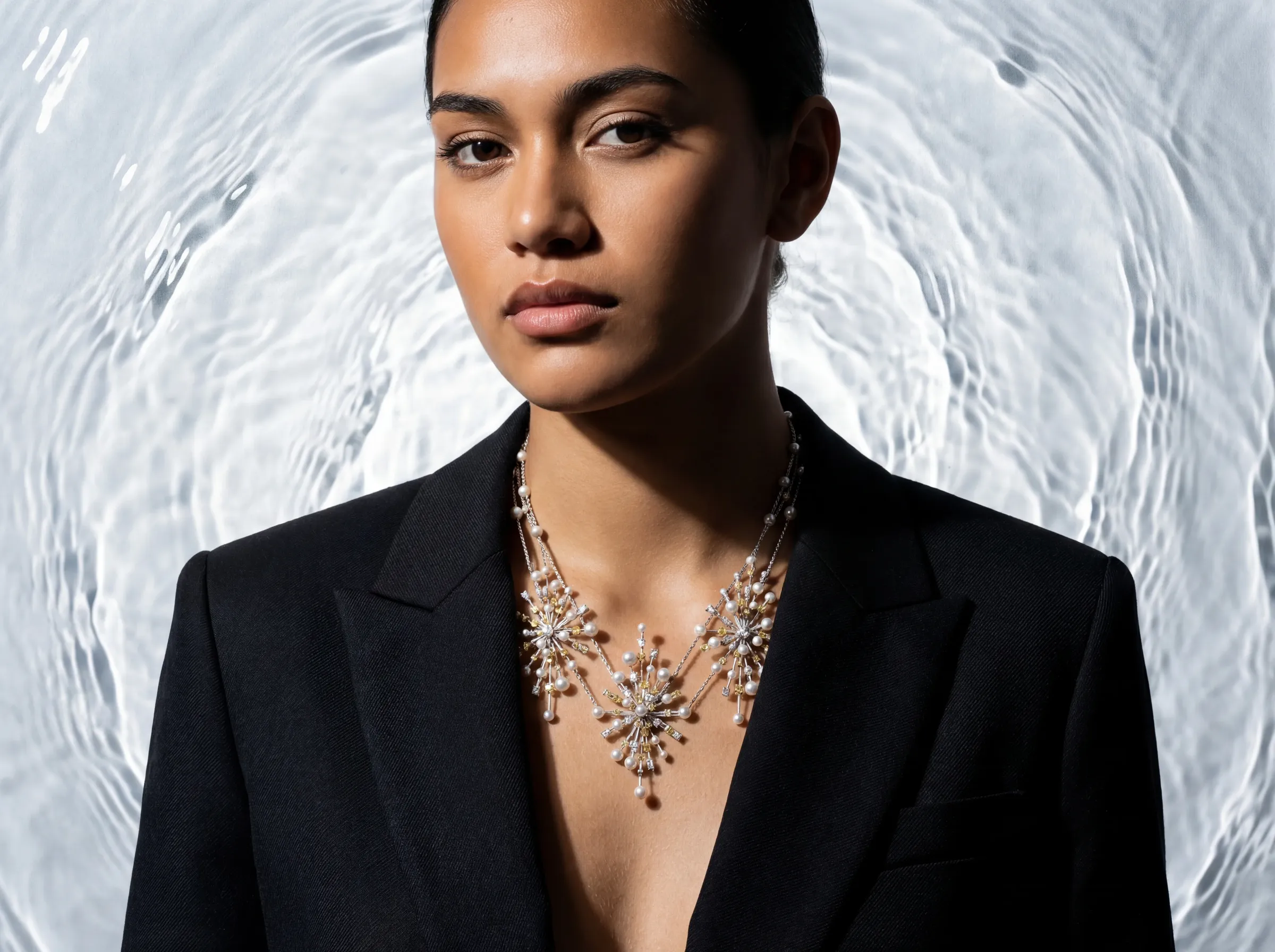
On-model imagery
Fit, scale, and styling context for products that need to be seen in use or on-body.
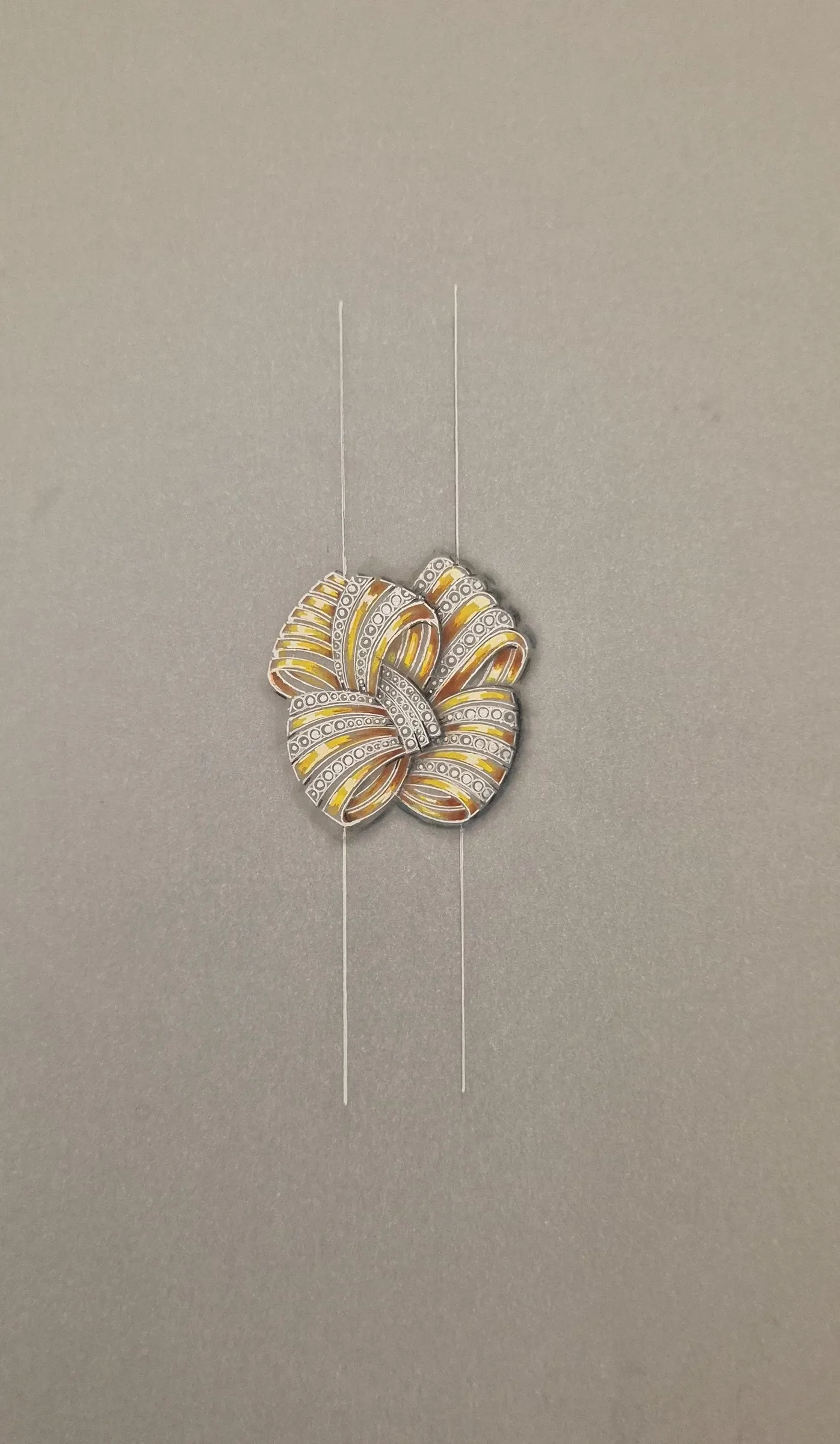
Sketch to visual
Use design-stage material to review concepts and build visuals before finished samples arrive.
Ready to test the workflow on a real product?
Open the studio and start from one of your own sources, then build the formats you need for ecommerce, campaign, or review.
Frequently asked questions
Can I start from a sketch, CAD file, or an existing product photo?
Yes. Canova is built to start from concrete product sources such as sketches, CAD, supplier visuals, and finished product photos rather than a text-only prompt.
Can the same source generate packshots and campaign imagery?
Yes. Teams commonly use one product source to create clean product-page imagery, richer lifestyle scenes, and on-model visuals for different channels.
Is this only useful once final samples exist?
No. Early-stage files are useful for concept review, stakeholder alignment, and planning launch visuals before inventory is physically ready.
Does Canova replace every studio shoot?
Not always. It is most useful when teams need faster visual iteration, earlier approvals, and scalable outputs without booking a full physical shoot for every asset.