
Compare
Comparison pages built to answer one simple question: which tool fits which need?
This matrix is designed to provide a clear, at-a-glance comparison between Canova, Photoroom, and traditional studio workflows. By evaluating key criteria like luxury specialization, input flexibility, and production speed, this breakdown helps brand teams understand which tool best fits their visual production needs before diving into the deeper comparison pages.
Detailed matrix
Jewellery & watches
Canova
Built for premium categories
Photoroom
Not luxury-specialized
Traditional studio
Possible, setup-dependent
Ecommerce packshots
Canova
Yes
Photoroom
Yes
Traditional studio
Yes, manually produced
Lifestyle scenes
Canova
Yes, campaign-ready
Photoroom
Limited
Traditional studio
Yes, but heavier to produce
On-model visuals
Canova
Yes
Photoroom
No
Traditional studio
Yes, with dedicated shoots
Sketch & CAD inputs
Canova
Yes
Photoroom
No
Traditional studio
No
Collection consistency
Canova
Reusable direction
Photoroom
Limited
Traditional studio
Rebuilt each time
Materials & reflections
Canova
Accurate metal & stone
Photoroom
Basic rendering
Traditional studio
Yes, with specialist expertise
Production speed
Canova
Fast
Photoroom
Fast
Traditional studio
Slow
Brand-team workflow
Canova
Accessible to teams
Photoroom
Limited workflow
Traditional studio
Expert-led
Time to first result
Canova
Fast iteration
Photoroom
Fast for simple edits
Traditional studio
Slower manual process
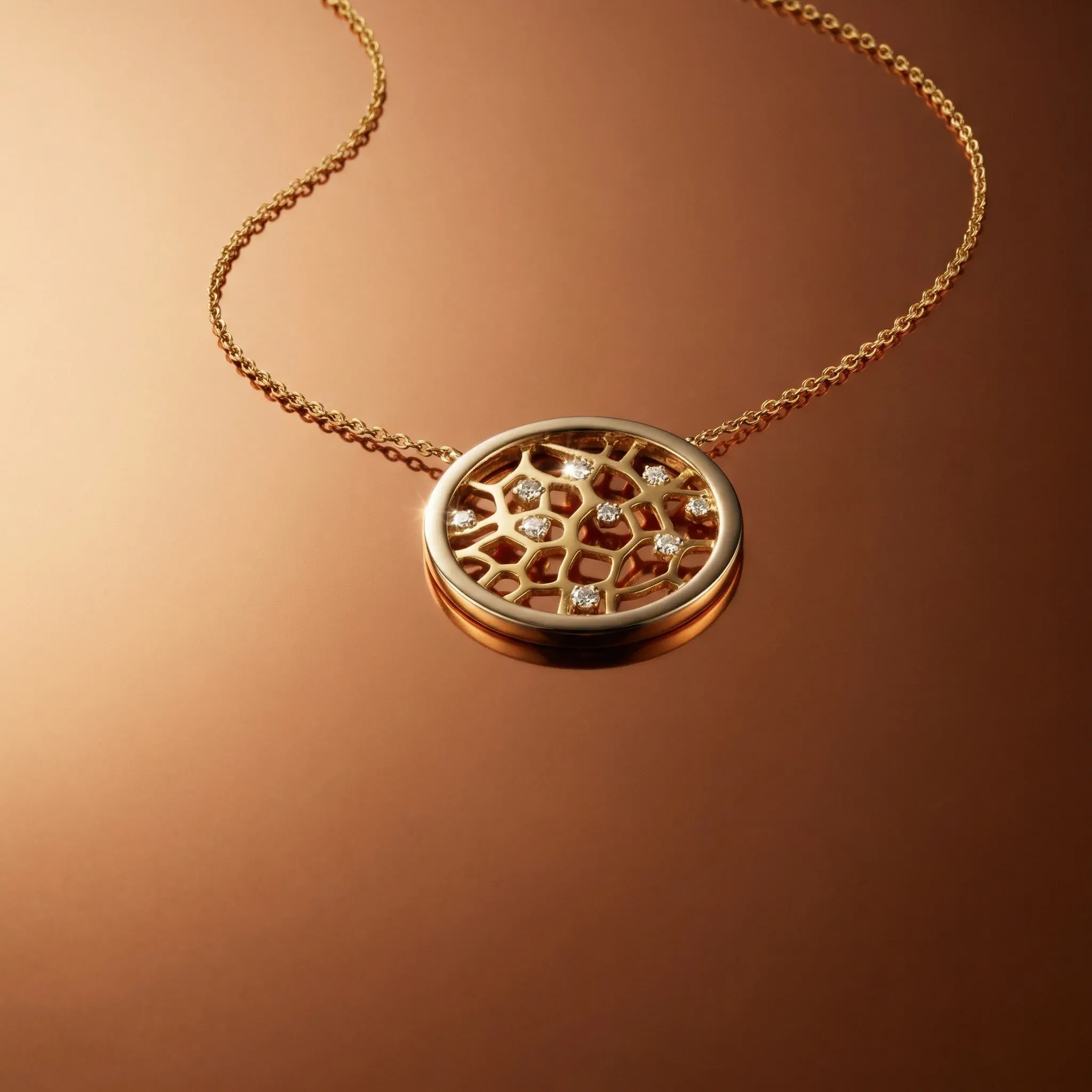
Canova vs Photoroom
Photoroom is a fast, general-purpose background removal tool built for everyday product images. Canova is built specifically for jewellery and watch photography, handling facets, reflections, material depth, and campaign outputs that general tools aren't designed for.
Compare tools
Canova vs Traditional Studio Photography
What changes when you move from a booked photographer and studio to Canova. Costs, timelines, output formats, and creative control, compared directly for jewellery and watch brands.
Compare approaches