
03Studio
AI jewelry visuals
Create visuals that sell.
Turn the finished piece into launch visuals and video: packshots, lifestyle scenes and on-model shots, in any light and any setting.
- What you bring
- A photo or a render of the piece
- What you get
- Launch assets


How it works
Step 1
Upload your piece
Drop a product photo. Studio reads the piece, so every visual starts from the real one.
Step 2
Set the scene
Choose packshot, lifestyle or on model. Pick the light, the pose and the background, then generate.
Step 3
Download
The visual arrives with variations to choose from, ready to use for e-commerce, social media and print.
Inside Studio
From one piece to a whole campaign.
Place it, light it, wear it. Every visual a launch needs, from one piece.
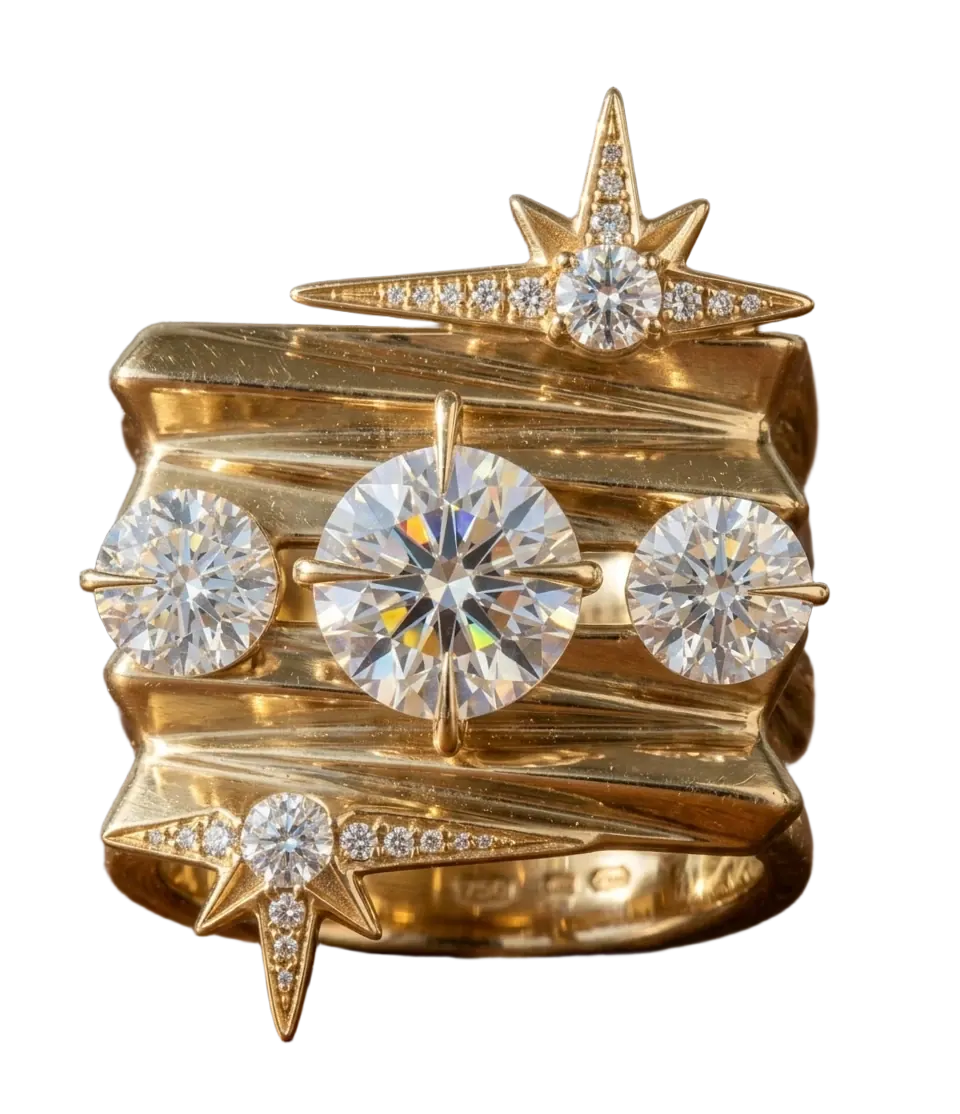
Packshot
Clean product visuals for every page.
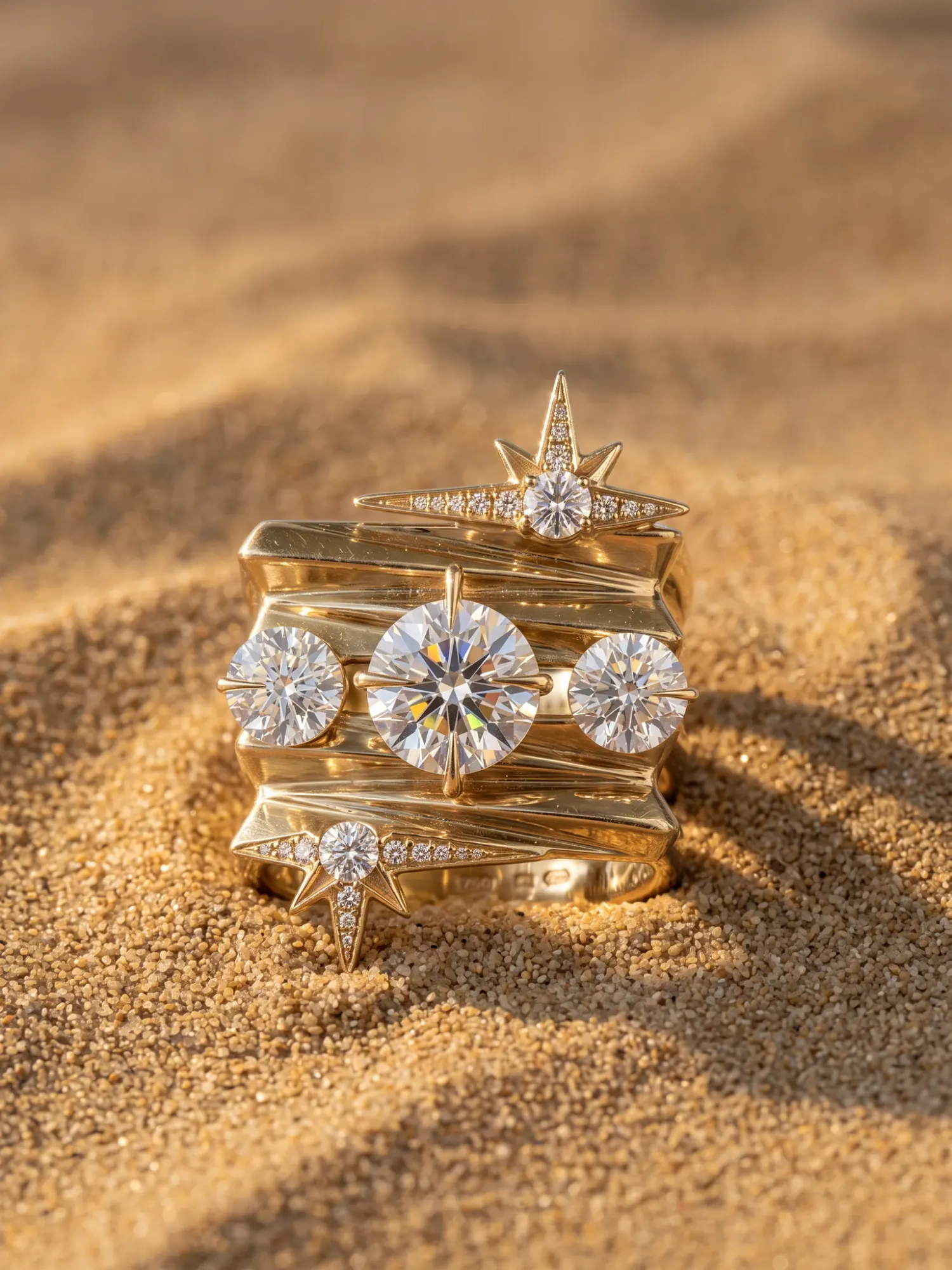
Lifestyle
Any setting, any light.
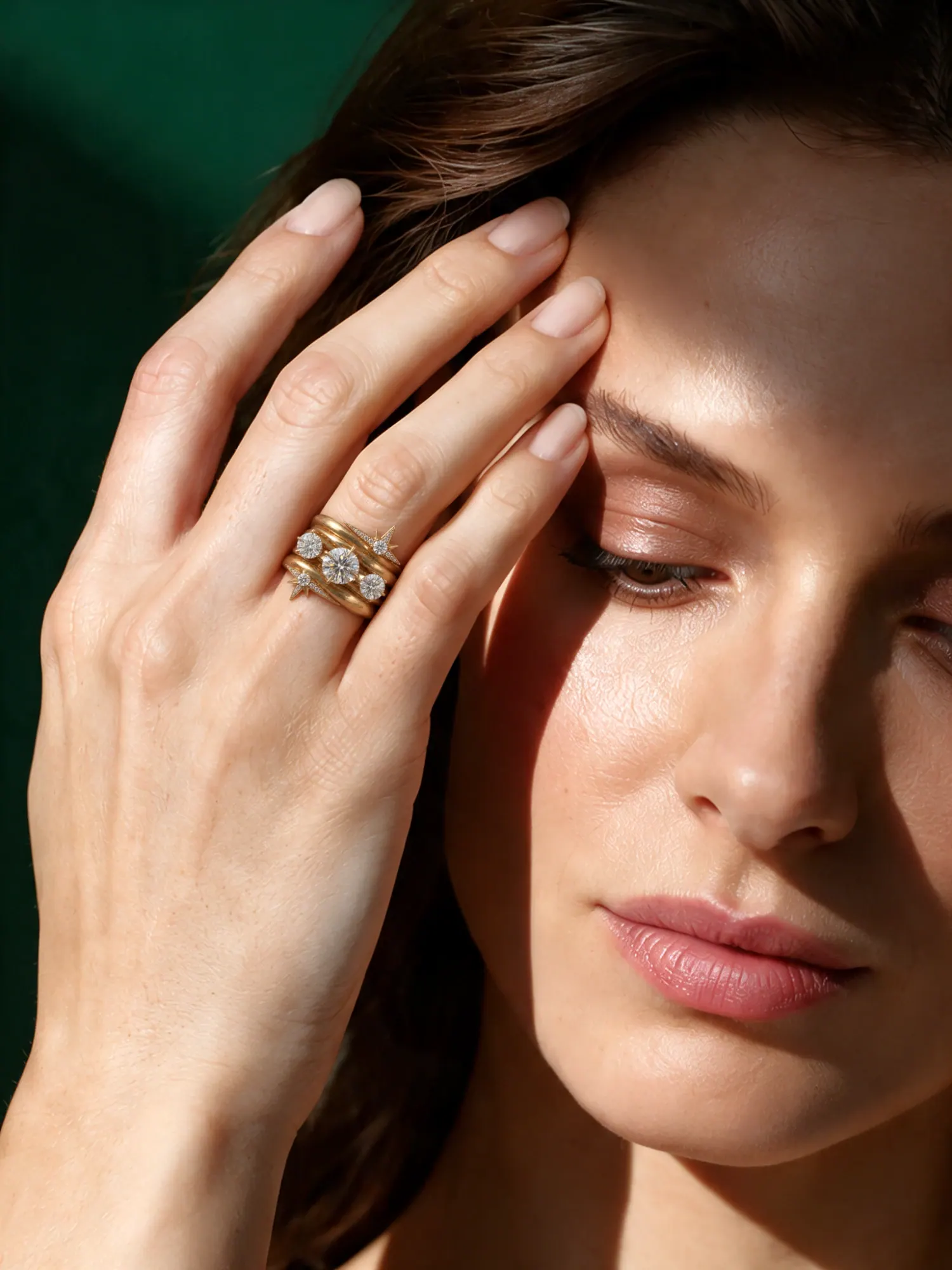
On model
Worn, at the right scale.


Frequently asked questions
Can I use Canova for AI jewelry photography?
Yes. Canova Studio creates jewelry visuals from a photo or a render of the piece: packshots, lifestyle scenes and on-model shots.
Can the same source generate packshots and campaign imagery?
Yes. Teams commonly use one product source to create clean product-page imagery, richer lifestyle scenes, and on-model visuals for different channels.
Is this only useful once final samples exist?
No. Early-stage files are useful for concept review, stakeholder alignment, and planning launch visuals before inventory is physically ready.
Does Canova replace every studio shoot?
Not always. It is most useful when teams need faster visual iteration, earlier approvals, and scalable outputs without booking a full physical shoot for every asset.
What do I need to start?
A photo or a render of the piece. Studio reads it, you choose the kind of visual, and the piece stays the same in every one.

