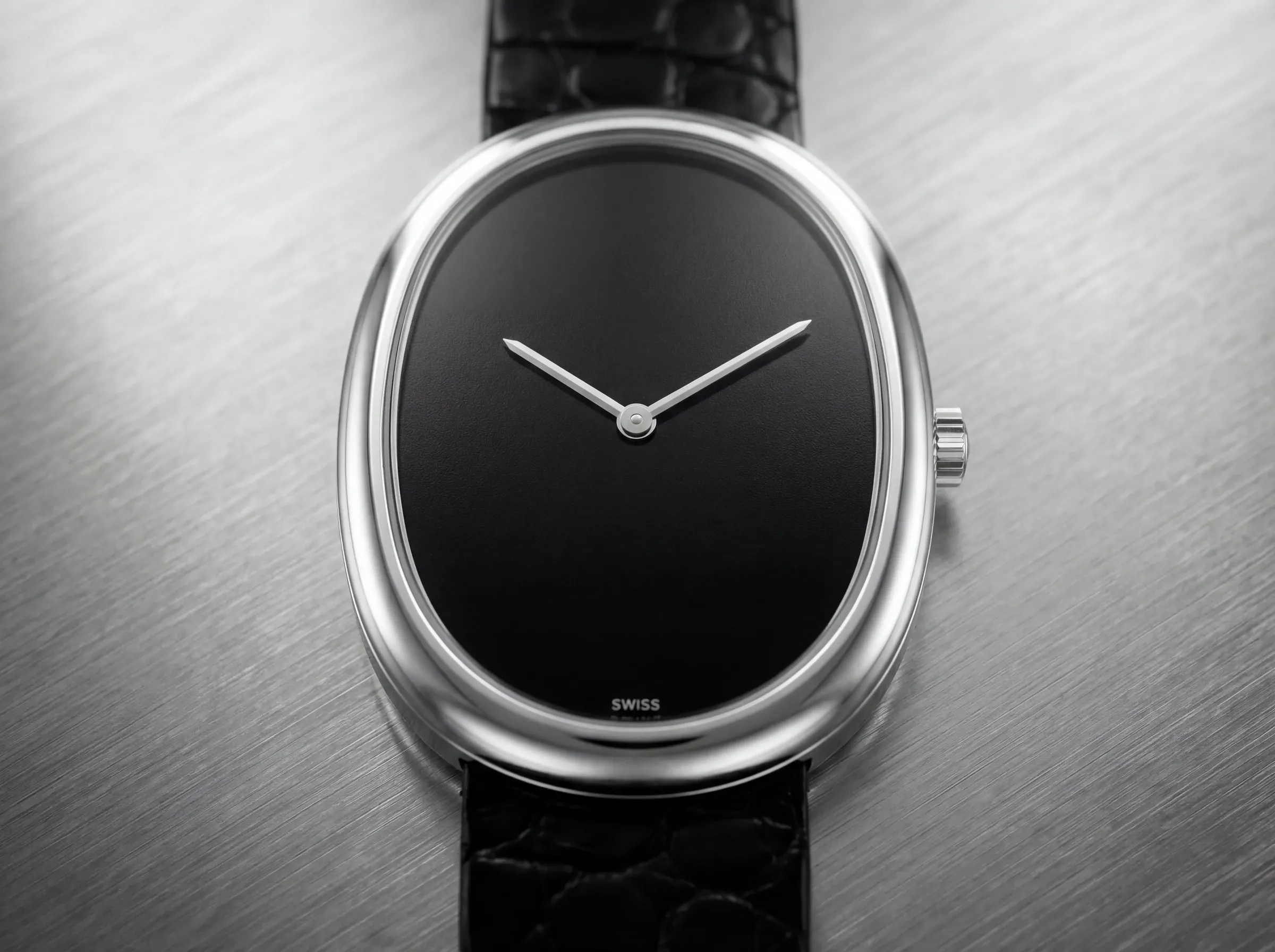
Flat dial
Face-on at 10:10, clean background. The reference shot.
Guide
Watch photography is technically demanding. Dials have layered depth, cases reflect everything around them, and hands and indices need to be sharp at multiple scales. This guide covers the main output types and how to handle the specific challenges watches present.
The four output types for watches
Most watch imagery falls into four types: the flat dial shot (case face-on, hands at 10:10, clean background); the three-quarter angle showing case depth, lugs, and crown; the bracelet or strap detail focusing on texture and link quality; and the wrist or lifestyle shot showing scale, fit, and context. A complete product imagery set covers all four.
Face-on at 10:10, clean background. The reference shot.
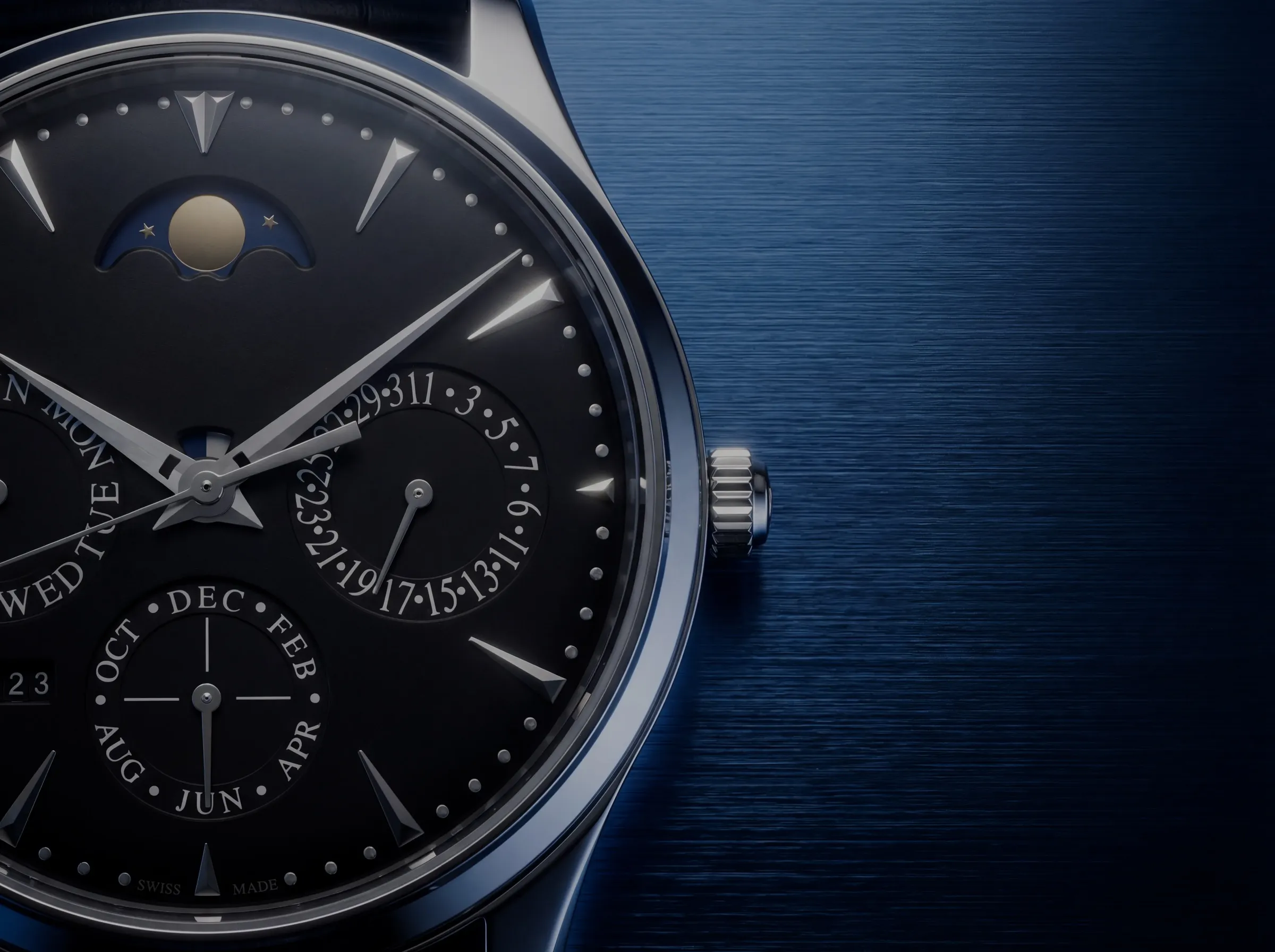
Case depth, lugs, and crown. Shows construction and volume.
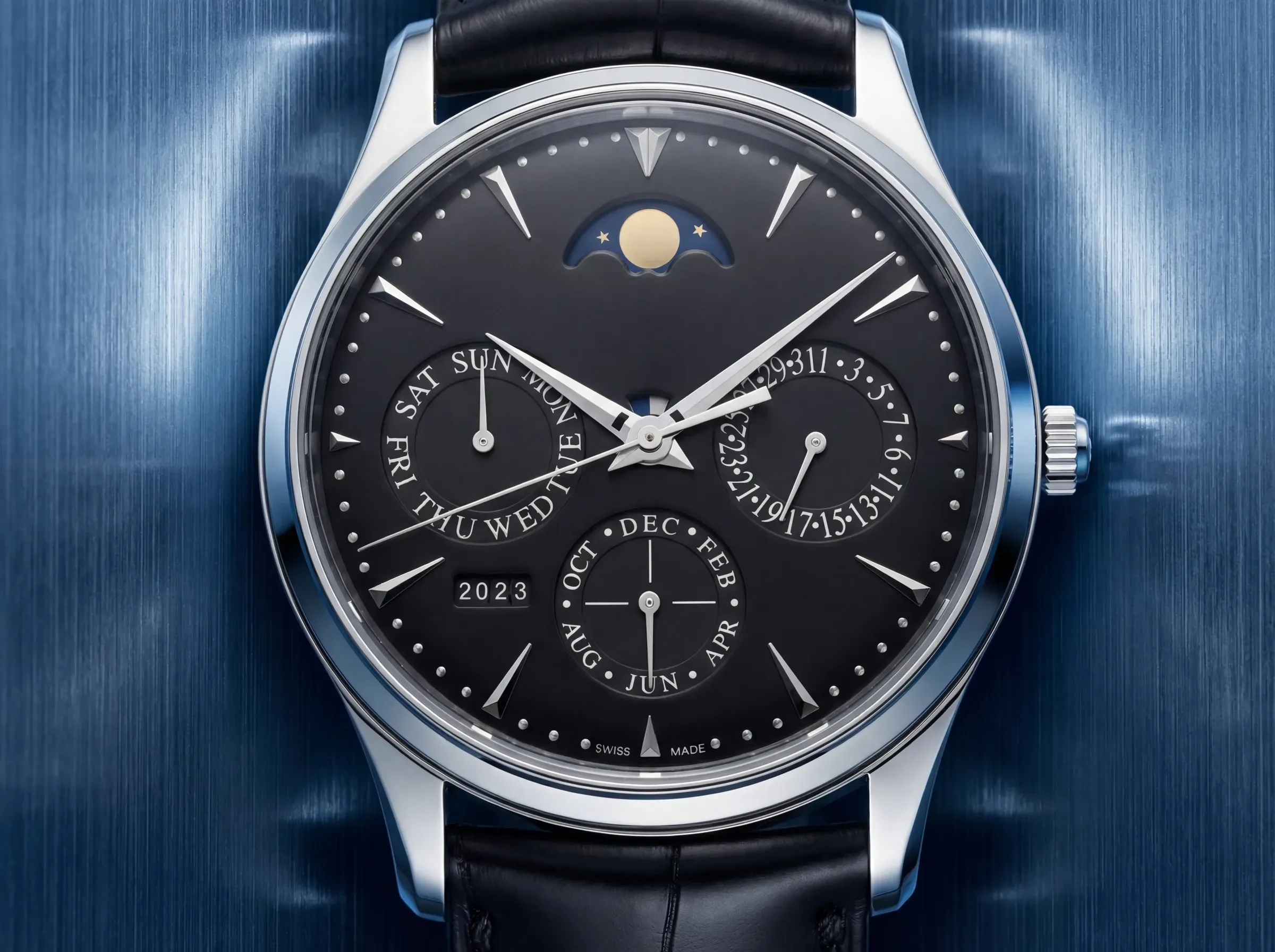
Link texture, finishing contrast, brushed vs polished.
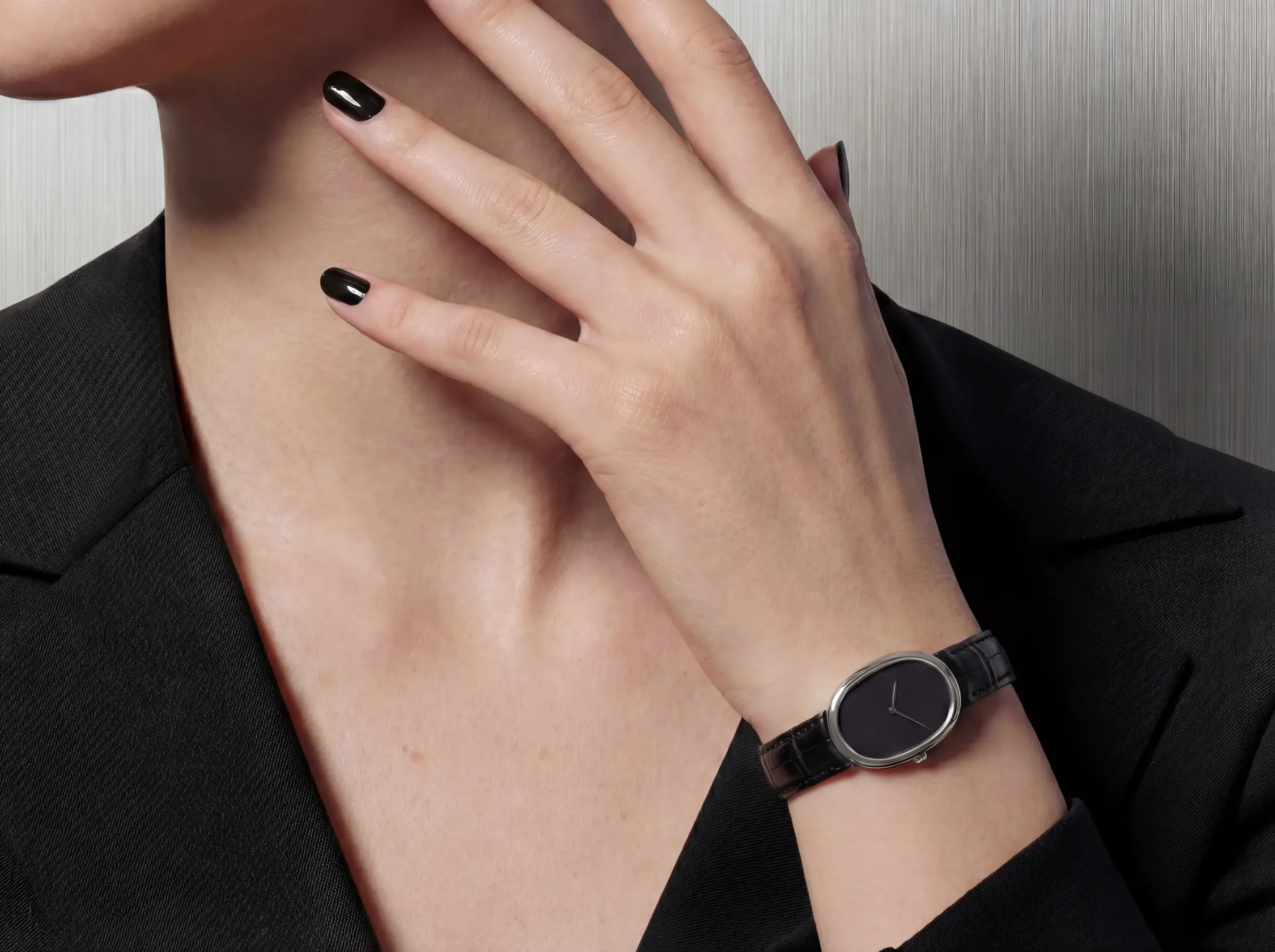
Scale, fit, and brand context. What the watch looks like worn.
Dial shots
The flat dial shot is the reference image. It's what a buyer looks at to understand what the watch is. The dial, hands, indices, and complications need to be legible. Reflections on the crystal need to be controlled so they don't obscure the dial. Depth of field should keep the dial sharp front to back.
Case and bracelet details
Case sides, crown, pushers, and bracelet links show finishing quality. Brushed and polished surfaces behave differently under light and both need to read correctly in the same image. A 45-degree angle across a bracelet link shows the contrast between finishes. These shots appear in technical specification imagery, press materials, and buyer documentation.
Starting from your inputs
A sharp product photo at a controlled angle is the best input. The dial should be fully visible with no extreme reflections on the crystal. For watches still in development, CAD views work well, especially for case shape and proportion.
Also explore
Create sharp packshots, wrist shots, and lifestyle scenes for watch launches. Capture dial detail and finishing with precision.
A broader framework for scaling premium product imagery across launches, catalogs, and ongoing team workflows.
Compare timelines, cost, creative control, and output quality side by side before choosing your production workflow.